Why You're Losing Clients to Competitors Online (And How to Fix It This Week)
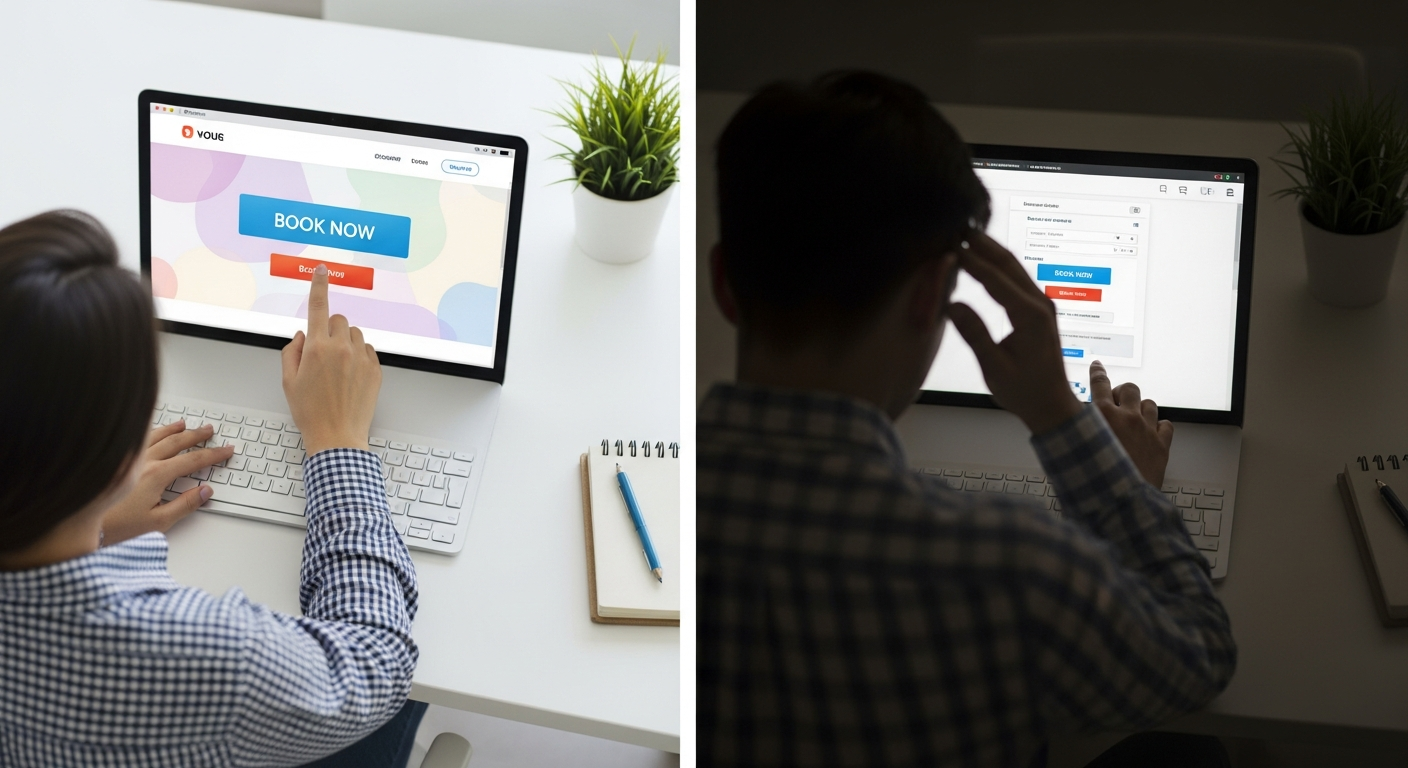
Here's a scenario that plays out thousands of times per day in every service industry: a potential client searches for your service type, sees multiple results, visits a few profiles, and books with the one that makes it easiest to commit. They weren't comparing quality — they were comparing friction. The business with the lowest friction wins the booking.
If you're not the lowest-friction option in your market, you're losing clients to competitors who are. Here's a diagnostic guide to find where you're leaking them.
Diagnostic 1: Can Clients Book Without Calling You?
Search for your own service type in your city right now. Click on your own listing. Can a potential client book an appointment without calling or messaging you?
If the answer is no — if your "booking" experience is a contact form, a phone number, or an Instagram DM — you're losing every client who arrives outside business hours, every client who doesn't want to make a phone call, and every client who finds a competitor with a live calendar before they reach you.
Fix: A public booking page with real-time availability at mybokr.com/book/your-business-name. Live in under 30 minutes.
Read more: mybokr.com/blog/how-to-create-public-booking-page-service-business
Diagnostic 2: Is There a 'Book' Button on Your Google Listing?
Search your business name on Google. Does your Google Business Profile have a "Book" or "Schedule" button? If not, clients who find you on Google Maps are landing on your profile with no clear next action.
Fix: Add your MyBokr booking URL as your Google Business Profile appointment link. Google adds the Book button within 24–48 hours.
Read more: mybokr.com/blog/how-to-add-book-now-button-google-business-profile
Diagnostic 3: How Does Your Booking Page Look on a Phone?
Open your booking page on your phone. Is it clean and fast? Can you complete a booking in under 3 minutes without pinching to zoom? If not, you're losing the 60%+ of traffic that arrives on mobile.
Fix: MyBokr booking pages are mobile-first by design, with Apple Pay and Google Pay for one-tap checkout.
Read more: mybokr.com/blog/mobile-friendly-booking-page-importance
Diagnostic 4: How Do Your Reviews Compare to Competitors?
Search your service type in your city. Look at the businesses appearing in the Google Maps Local Pack. How many reviews do they have compared to you? A competitor with 80 reviews and 4.7 stars will out-book you every time regardless of your actual quality.
Fix: Implement an automated review request that fires after every appointment.
Read more: mybokr.com/blog/how-to-get-more-5-star-reviews-service-business
Diagnostic 5: Is Your Booking Link in Every Channel?
Check your Instagram bio, email signature, Google Business Profile, and any other directory listings. Is your booking link present and prominent in all of them? Every channel without a booking link is a channel where clients browse and leave.
Fix: 30-minute audit and update of all your online channels.
Read more: mybokr.com/blog/how-to-share-booking-link-everywhere
Fix Your Friction This Week
Each diagnostic above has a clear, fast fix. MyBokr addresses all five: public booking page, Google integration, mobile-first design, automated review requests, and a shareable booking link for every channel. Start your audit and fix at mybokr.com.