How to Switch From Calendly to MyBokr (And Why Thousands of Service Providers Are Doing It)
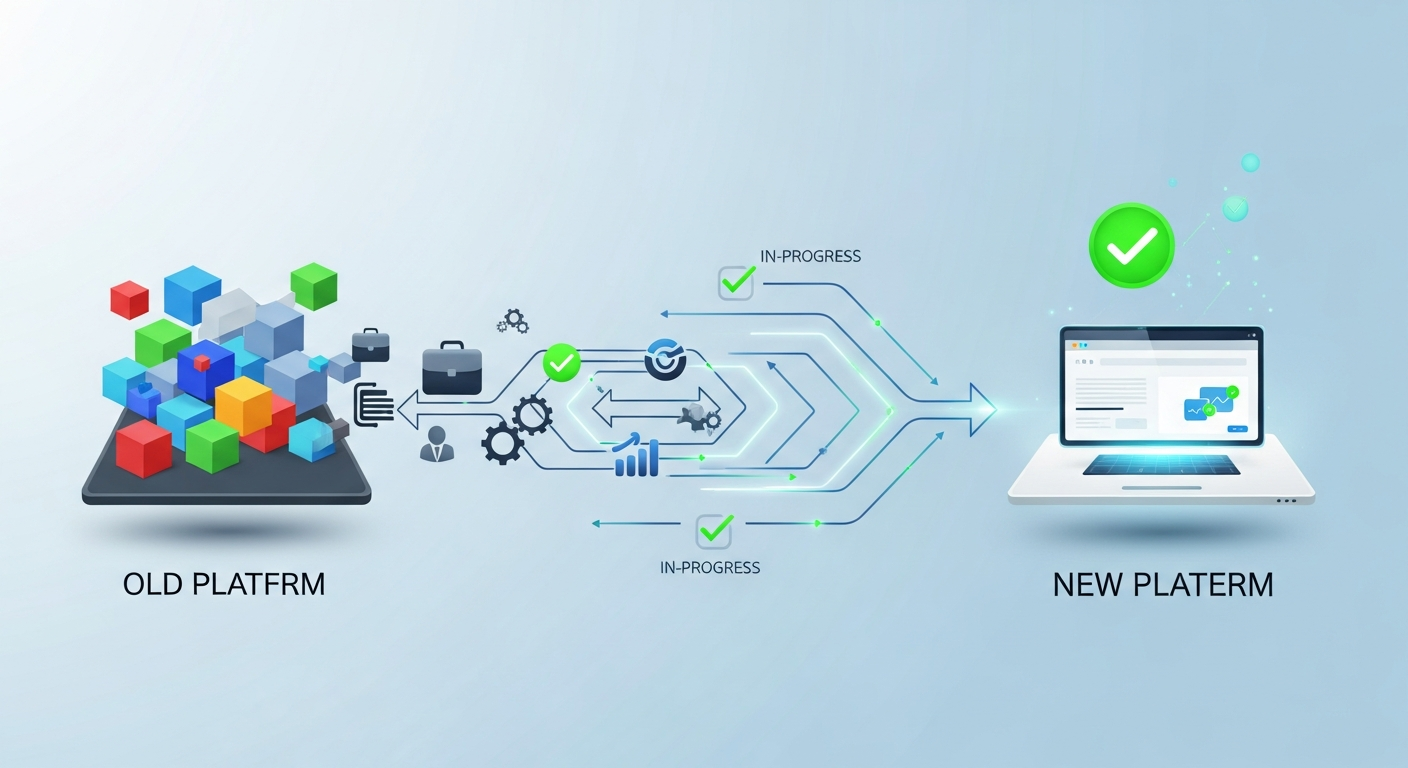
If you've been using Calendly as your booking tool and you're a service business that charges per appointment, the switch to a purpose-built platform like MyBokr is worth doing — and it's much simpler than it sounds.
Here's what prompts most service providers to switch: they get a no-show on a high-value appointment and realize they have no deposit, no automatic enforcement, and no easy way to charge the cancellation fee. They spend 20 minutes manually handling what should have been automatic. And they decide it's time for a better tool.
What You're Moving
Switching from Calendly to MyBokr involves four things: 1. Recreating your services on MyBokr (takes 15–20 minutes) 2. Connecting your Stripe account 3. Setting your availability 4. Updating your booking link everywhere it appears
You do NOT need to migrate client data, payment history, or existing appointments — your current Calendly appointments can complete normally, and new bookings go through MyBokr from day one.
Step-by-Step: The Migration
Step 1: Create your MyBokr account at mybokr.com. Takes 5 minutes.
Step 2: Add your services. For each service you had in Calendly, create a service in MyBokr with the same name, duration, and description — plus the price, deposit requirement, and buffer time that Calendly couldn't hold. This is where you gain immediate functionality Calendly never had.
Step 3: Set your availability. Configure your working hours and any specific availability rules per service.
Step 4: Connect Stripe. Takes 3 minutes. Your account is linked via Stripe Connect — funds go directly to you from the first booking.
Step 5: Update your booking link. Replace your Calendly link in: — Your Instagram bio and action button — Your email signature — Your Google Business Profile appointment link — Your website (if applicable) — Any automated follow-up messages
This step takes the most time — but once done, every new booking captures payment automatically.
Read more: mybokr.com/blog/how-to-share-booking-link-everywhere
What You Gain Immediately
— Payment collected at booking (Calendly requires a paid plan and a separate payment step) — Per-service deposit configuration — Automated cancellation policy enforcement — Buffer time per service (not just a global setting) — Marketplace listing for organic client discovery — Post-appointment follow-up sequence with review requests
Read more: mybokr.com/blog/best-online-booking-page-features-convert-clients
What Calendly Did Better
Calendly's integrations with enterprise CRM tools (Salesforce, HubSpot, etc.) are more mature. If your booking workflow is deeply embedded in a corporate CRM stack, evaluate that dependency before switching.
For service businesses running on appointment revenue — not enterprise sales pipelines — there's no meaningful trade-off.
Make the Switch
Your MyBokr booking page can be live before the end of today. Get started at mybokr.com.