How to Stop Chasing Clients for Payment in Your Service Business (For Good)
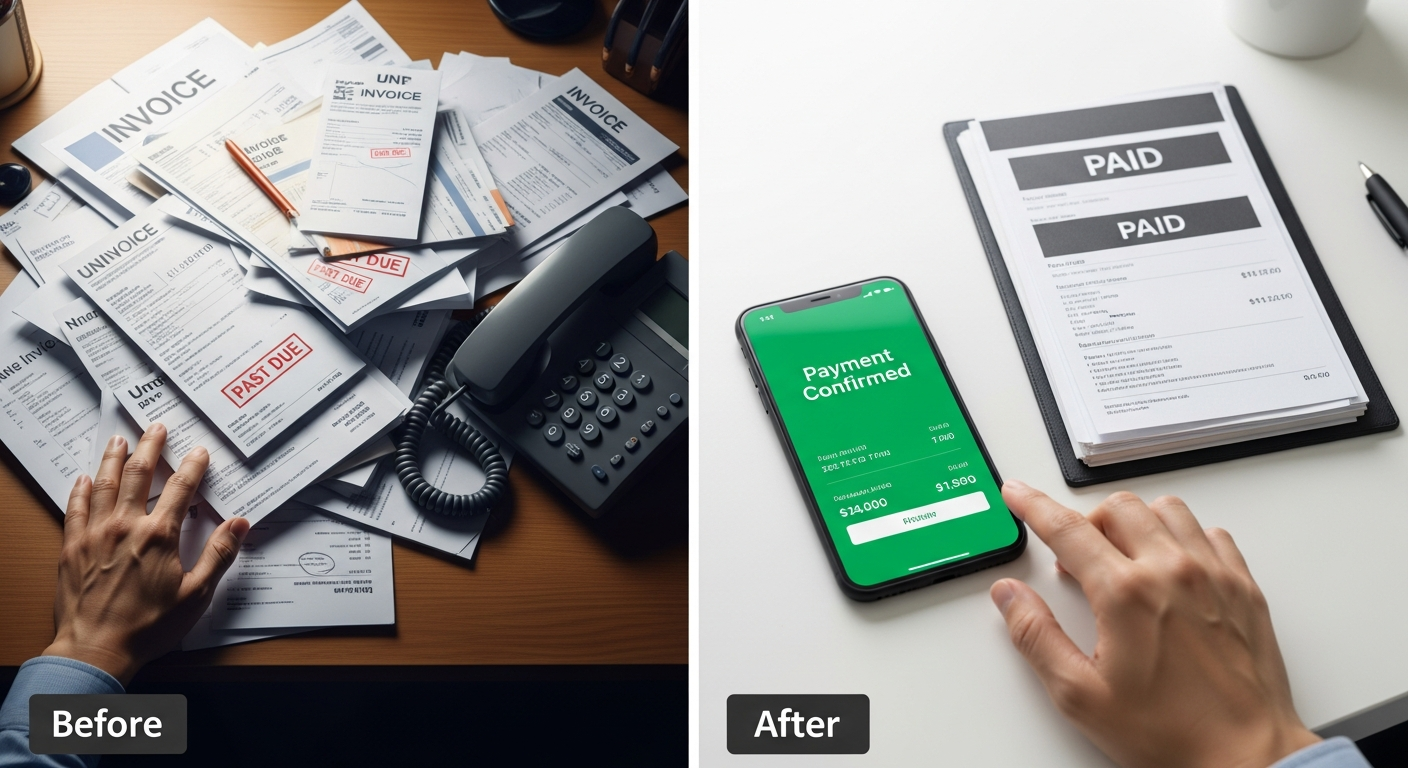
Ask any service business owner what they hate most about their job and payment chasing is almost always in the top three. The work is done. The client loved it. And now you're sending polite-but-increasingly-less-polite follow-up messages trying to collect money you already earned.
This is not a normal cost of running a service business. It's a system design problem — and the system can be redesigned.
Why Payment Chasing Exists
Payment chasing exists because payment is disconnected from the booking and service delivery. When a client can book an appointment without paying, and receive the service without paying, payment becomes an optional step that requires your ongoing effort to enforce.
The fix is elegant in its simplicity: connect payment to the booking. Not as an afterthought, not as a separate step — as an integral part of the checkout flow.
When a client can't complete a booking without paying, chasing doesn't exist. The sequence becomes: book → pay → appointment confirmed → service delivered. Done.
What This Looks Like in Practice
With MyBokr (mybokr.com), your booking page works like this:
1. Client selects a service 2. Client picks a date and time 3. Client enters their name and email 4. Client pays via Stripe (credit/debit card, Apple Pay, or Google Pay) 5. Booking is confirmed, confirmation email sent
There is no step 6 where you chase them for money. It's collected automatically at step 4. Every time. For every booking.
Read more: mybokr.com/blog/how-to-collect-payment-when-clients-book-online
The Venmo/Cash Problem
Many service businesses operate on a mix of Venmo, cash, and informal transfers. This creates: — No automatic receipt or record — Dependence on the client's initiative to send payment — Uncomfortable conversations when they don't — Accounting headaches at tax time
Stripe-powered booking through MyBokr creates automatic receipts, automatic records, and automatic payout to your bank account. Your bookkeeping is clean. Your clients' payment is confirmed before the appointment. Nothing slips through.
Read more: mybokr.com/blog/stripe-payment-integration-small-business-booking
Handling the "I'll Pay You After" Client
Some long-time clients may push back on the new payment-at-booking model. The professional response: "I've moved to online booking for all appointments — it helps me stay organized and focused on the actual work rather than billing. Here's my booking link."
For ongoing clients with a strong relationship: offer a brief transition grace period (one or two more appointments under the old system) while introducing the booking link. By the third time, it's the new normal.
Read more: mybokr.com/blog/how-to-get-paid-faster-service-business
FAQ: What If a Client Wants a Refund?
Stripe makes refunds straightforward — issue them from your Stripe dashboard in 30 seconds. For partial refunds, deposit refunds, or no-show scenarios where you're retaining the deposit, all of it is handled within your Stripe account. Your cancellation policy determines what gets refunded; the system executes it.
Read more: mybokr.com/blog/how-to-write-cancellation-policy-service-business
End Payment Chasing Permanently
Set up your booking page with integrated Stripe payment at mybokr.com. Your last payment chase message could be today.