Why Your Booking Page Must Be Mobile-Friendly in 2025 (And How to Check Yours)
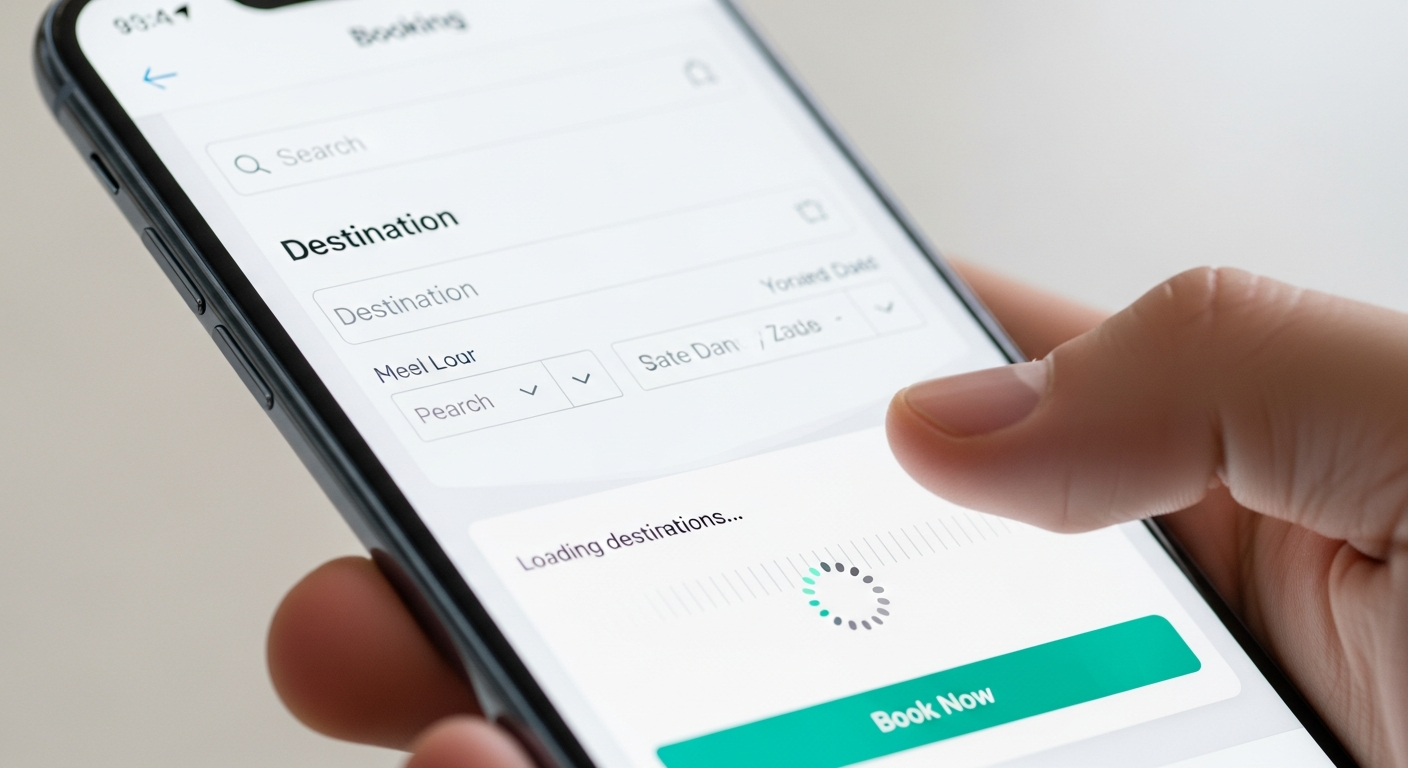
Think about when clients decide to book a service appointment. It's rarely at a desk with a laptop open. It's at 9pm on the couch after seeing a post on Instagram. It's in the parking lot after getting a recommendation from a friend. It's during lunch, scrolling through Google Maps.
All of those moments happen on a phone. Which means your booking page must work perfectly on a phone — or you lose the client at the moment they're most ready to commit.
What "Mobile-Friendly" Actually Means for Booking Pages
A mobile-friendly booking page isn't just one that "loads on a phone." It means:
Text is readable without zooming — nothing is so small that users have to pinch to read the service descriptions or prices.
Buttons are easy to tap — minimum 44x44px tap targets. If a client has to aim carefully to tap a button, you've already frustrated them.
Forms are minimal — mobile keyboard use is laborious. Only ask for what you absolutely need: name, email, and payment. Everything else is friction.
Loading is fast — Google research shows that 53% of mobile users abandon a site that takes more than 3 seconds to load. A slow booking page is a booking page that doesn't convert.
Payment is smooth — Apple Pay and Google Pay support makes checkout a single biometric tap. This dramatically improves mobile booking completion rates.
How to Test Your Booking Page Right Now
Grab your phone. Navigate to your booking page. Try to book yourself as a client. If anything feels slow, small, confusing, or requires excessive scrolling or typing — fix it.
Also test it on a friend's phone with a different OS if possible. Android and iOS can render pages differently.
Why MyBokr Is Built Mobile-First
MyBokr (mybokr.com) booking pages are designed mobile-first — meaning every design decision starts with the phone experience, not the desktop. They're fast, clean, and support Apple Pay and Google Pay at checkout. Your clients get the smoothest possible mobile booking experience without any configuration on your part.
Pro Tip: Check your Google Business Profile's mobile appearance too. If the "Book" button that links to your booking page takes more than 5 seconds to load on mobile, clients will hit back and call your competitor instead.
Give Your Clients a Mobile-First Booking Experience
Create your mobile-optimized booking page at mybokr.com. Every client, every device, every time.