How to Share Your Booking Link Everywhere and Get More Clients on Autopilot
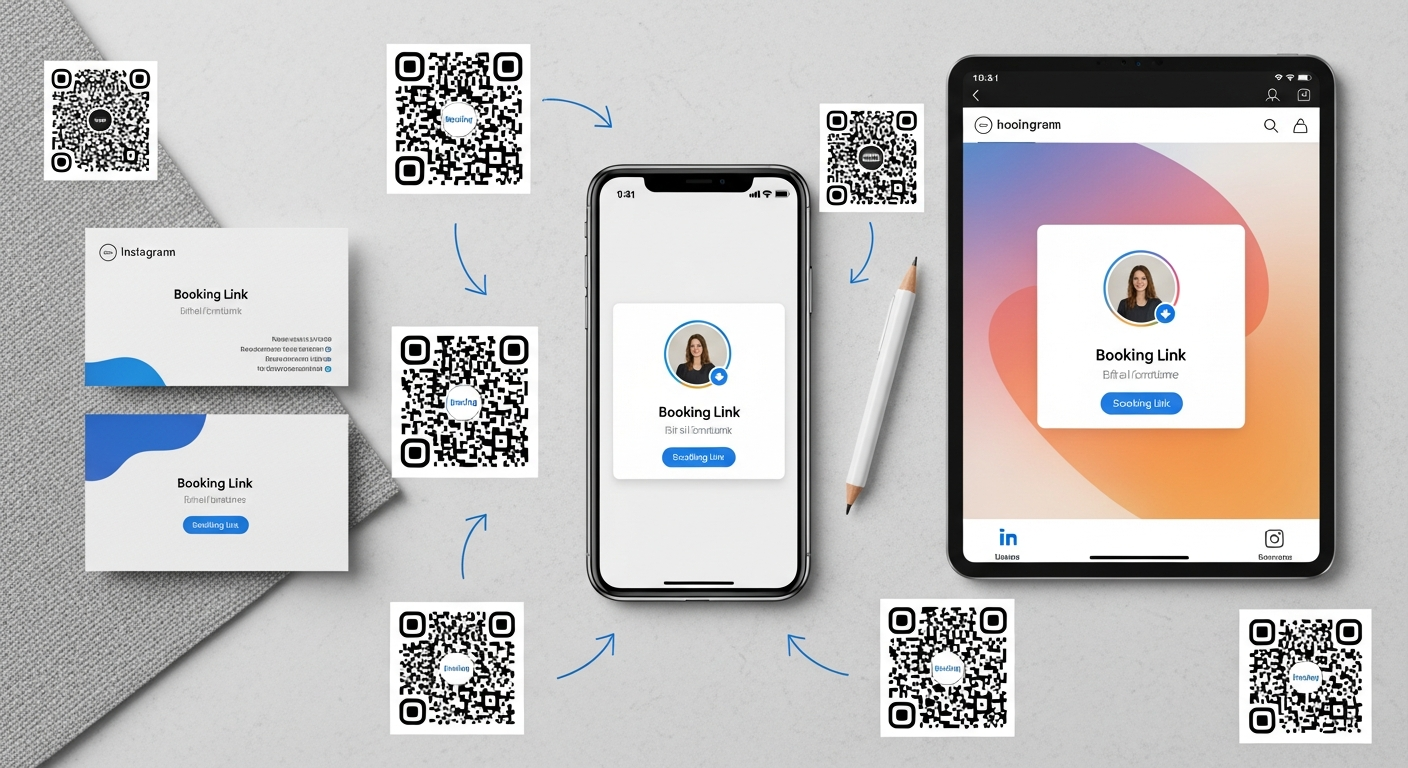
Getting a great booking page is step one. Step two — the one most businesses skip — is making sure every potential client can find it, in every channel where they might be looking for you.
Here's a complete placement guide for your booking link.
High-Priority Placements (Do These First)
Google Business Profile — Add your booking URL as your appointment link. Google may add a "Book" button directly to your search listing. This is your highest-intent traffic: people actively searching for your service type in your area.
Instagram Bio + Action Button — Your Instagram bio link and the native "Book" action button on your Business profile. Add "Link in bio to book" to every post caption that showcases your work.
Facebook Page — Add your booking URL as your Page's "Book Now" button and include it in your About section.
Email Signature — Every email you send is a passive marketing touchpoint. "Book your appointment: [mybokr.com/book/your-name]" in every signature reaches existing clients, potential clients, vendors, and referral sources.
Secondary Placements
WhatsApp Business — Set your booking link as a quick reply and include it in your WhatsApp Business profile.
Yelp and other directory profiles — Most directories allow a website or booking URL. Use yours.
Business cards — Print your booking URL or a QR code that goes to it. When you hand someone a card, you're one scan away from a booking.
Text message auto-reply — Set your phone's auto-reply message when you're unavailable to include your booking link: "Hi! I'm currently with a client. You can book anytime at [your booking URL]."
Post-appointment follow-up messages — Every follow-up message should include your booking link for the next appointment.
Audit Your Current Presence
Search for your own business name on Google right now. Check every listing that appears. Does each one have your booking URL visible? If not, that's a gap where potential clients are slipping through.
Pro Tip: Use a consistent booking URL everywhere — mybokr.com/book/your-business-name. Never change it once set. A consistent URL builds familiarity and is easier for clients to remember and share.
Get Your Link Everywhere It Belongs
Create your permanent booking URL at mybokr.com and spend 30 minutes placing it in every channel on this list. That 30 minutes will generate bookings for years.