How to Set Up Booking Deposits for Appointments (Step by Step)
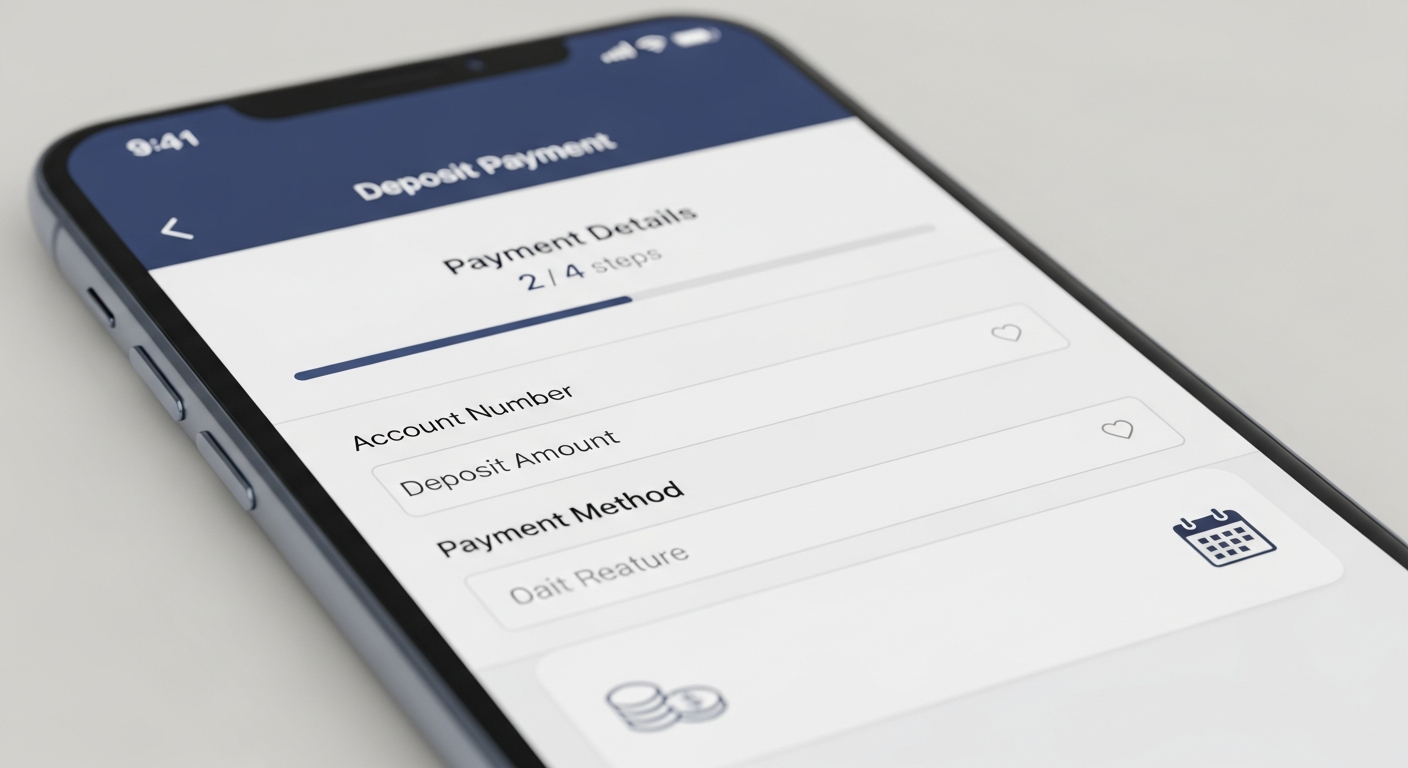
A booking deposit is an upfront payment — typically 25–100% of the service cost — collected at the time of booking to reserve an appointment slot. It creates a financial commitment that dramatically reduces no-shows and last-minute cancellations.
If you've ever lost an afternoon's worth of revenue to a client who didn't show up, a deposit system would have protected you. Here's how to implement one professionally.
Step 1: Decide What to Charge
The deposit amount depends on your service pricing and typical appointment length:
— Under $50 services: full payment at booking (simpler than a partial deposit) — $50–$150 services: 50% deposit, balance at appointment — $150–$400 services: 25–50% deposit, or a flat fee ($50–$100) — $400+ services: 25–30% deposit minimum, sometimes full payment for new clients
The goal is a deposit meaningful enough that cancelling feels costly to the client, but not so high that it creates checkout hesitation.
Step 2: Set It Up in Your Booking Platform
MyBokr (mybokr.com) lets you configure deposit requirements per service. In your service settings, you set whether to charge full payment or a specific deposit amount. When a client books that service, they're prompted to pay the deposit amount via Stripe before the booking is confirmed.
The remainder can be collected at the appointment or automatically if you have the client's card on file.
Step 3: Communicate It Clearly
Add your deposit policy to: — Your booking page description (one sentence is enough) — Your confirmation email ("Your $50 deposit has been received to hold your appointment.") — Your social media bio link page if you use one
Don't hide it or apologize for it. Frame it positively: "A deposit is required to secure your appointment slot." This is standard practice across hotels, spas, photographers, and service businesses of all kinds.
Step 4: Define Your Refund Policy
Decide what happens to the deposit if a client cancels:
— Cancellation 48+ hours before: full deposit refund — Cancellation 24–48 hours: 50% deposit refund — Cancellation under 24 hours or no-show: deposit forfeited
Publish this policy clearly. Stripe makes refunds straightforward to issue through your dashboard when a client cancels within your refund window.
Pro Tip: Deposit-required bookings filter your client quality dramatically. Clients who readily pay a deposit to hold their appointment are the same clients who show up prepared, tip well, and rebook. The deposit system is also a client quality filter.
Common Pitfall: Don't set the same deposit amount across all services regardless of price. A $50 deposit on a $60 service feels like nearly full payment (fine). A $50 deposit on a $400 service feels trivial (less effective). Scale your deposit to the service value.
Start Protecting Every Appointment
MyBokr (mybokr.com) makes deposit configuration simple — per service, in your dashboard, with Stripe handling all secure payment processing. Set up your deposit policy today at mybokr.com.