How to Set Buffer Time Between Appointments (And Why It Protects Your Sanity and Revenue)
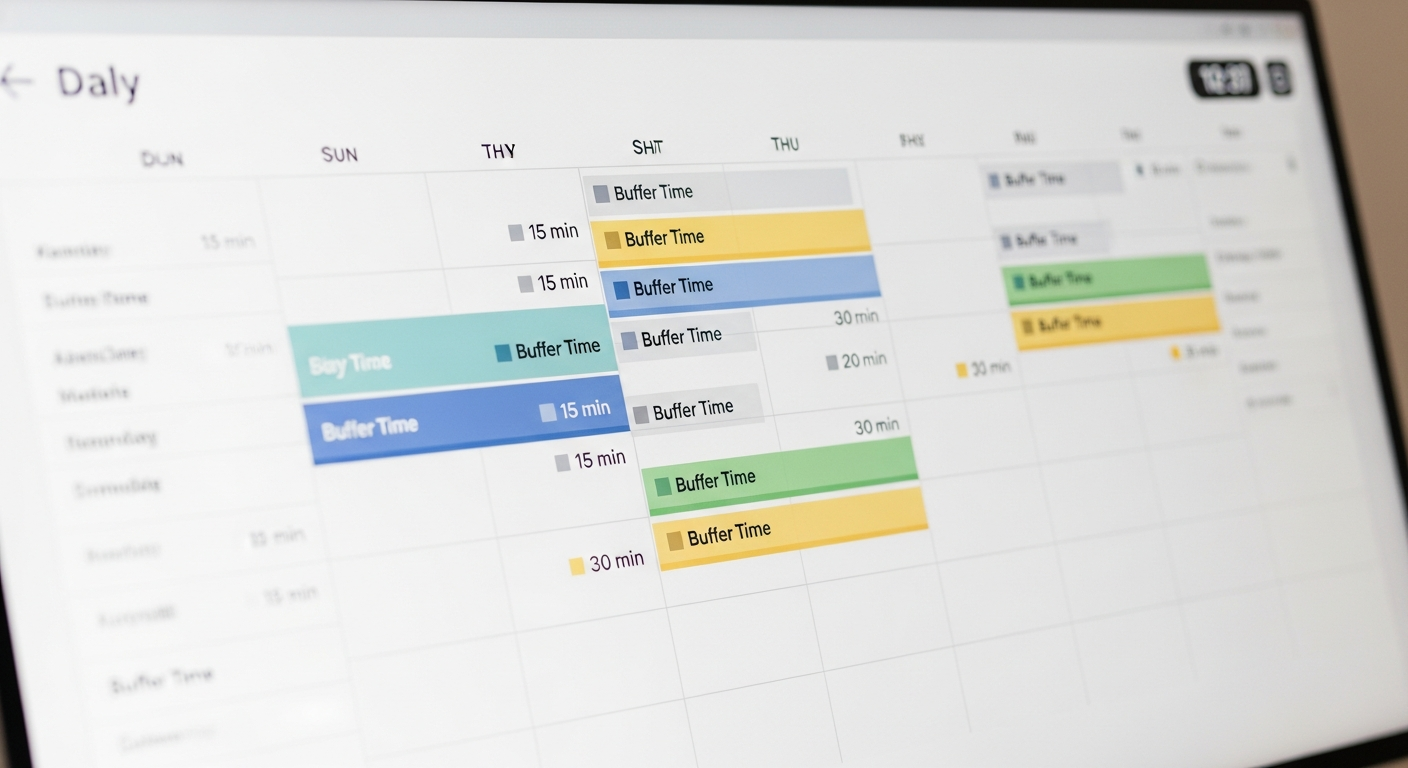
One of the most common scheduling mistakes service businesses make is booking appointments back-to-back with no gap. It seems efficient — why leave empty time on your calendar? — but in practice it creates a cascade of problems that hurts both your work quality and your client experience.
Buffer time is the intentional gap you build between appointments: time to reset, clean up, review notes for the next client, and actually breathe between sessions. It's not wasted time. It's what makes every appointment your best work.
Why Zero-Buffer Scheduling Fails
When appointments run back-to-back with no margin:
— One appointment running 10 minutes long makes every subsequent appointment late — You arrive at each client psychologically still in the previous session — Setup and cleanup happens during the "appointment" itself, reducing the time you're fully present — Clients waiting even 5–10 minutes past their appointment time have a meaningfully worse experience
The math feels counterintuitive, but a 15-minute buffer that lets you deliver exceptional work on time converts to better reviews, more rebookings, and higher lifetime client value — far outweighing the "lost" revenue of the buffer slot.
How Much Buffer Time Do You Need?
It depends on your service type:
— Quick services (under 30 min): 10-minute buffer — Standard services (30–60 min): 15-minute buffer — Long services (60–120 min): 20–30-minute buffer — Intensive services (2+ hours): 30–45-minute buffer, or a hard stop and restart
How to Configure Buffer Time in MyBokr
MyBokr (mybokr.com) lets you set a buffer time per service in your service settings. When a client books a 60-minute massage with a 15-minute buffer, the system automatically blocks 75 minutes total on your calendar — but only shows the 60-minute session to the client. Your calendar protects your transition time invisibly.
You can also set different buffer times for different services. Your quick consultations might need only 10 minutes; your intensive color treatments might need 30.
Pro Tip: Also set a minimum booking notice time — the minimum lead time between when a client books and when the appointment can happen. This prevents clients from booking a slot that starts in 20 minutes when you're already with another client across town. 2–4 hours is typical for most service businesses; 24 hours works well for longer or more complex services.
Protect Your Schedule, Protect Your Work
Configure buffer times for your services at mybokr.com and build a schedule that lets you deliver your best work every appointment.