How to Send Follow-Up Messages After Appointments to Drive Rebooking and Reviews
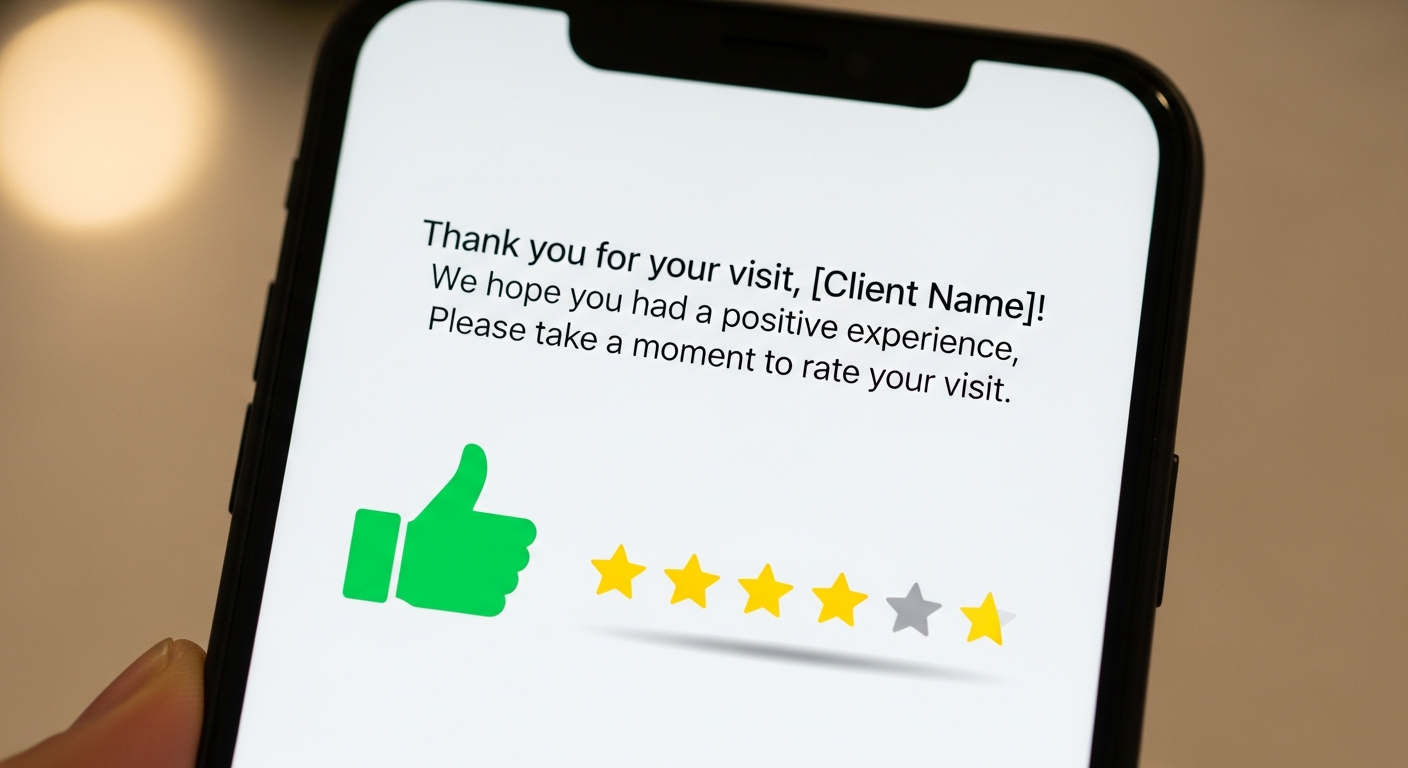
Most service businesses do nothing after an appointment ends. The client walks out, you move to the next client, and the window of peak satisfaction — when the client is freshly happy with the results — closes unused.
This is one of the most underused opportunities in service business operations. A well-timed follow-up message in the 24 hours after an appointment can drive rebooking, generate reviews, and deepen client loyalty with almost no effort.
The Optimal Post-Appointment Sequence
2–4 Hours After the Appointment — Thank You Message: "Hi [Name], thank you for coming in today! I hope you're loving your [service]. Let me know if you have any questions about aftercare — I'm always happy to help."
This message does two things: it shows you care about the result after they've left, and it opens a channel for feedback before they share it publicly (giving you a chance to address any concerns privately).
24 Hours After — Review Request: "If you enjoyed your experience, a quick Google review means the world to a small business. It takes 30 seconds and helps more people find [your business name]: [Google review link]."
Timing matters here. 24 hours is long enough that they've lived with the results and can speak to them authentically — and short enough that the experience is still fresh and top of mind.
5–7 Days After — Rebook Prompt: "Your next [service] will typically be around [date]. I'd love to get you on the calendar before my schedule fills up — here's my booking link: [mybokr.com/book/your-business-name]."
Automating Post-Appointment Messages
Manually sending follow-ups to every client after every appointment is not sustainable as your business grows. Scheduling platforms like MyBokr (mybokr.com) trigger automated post-appointment messages, so every client receives the same thoughtful follow-up sequence without you lifting a finger.
Pro Tip: Keep all post-appointment messages personal in tone, even when automated. First-name personalization and service-specific language ("your haircut" vs. "your appointment") makes automated messages feel human.
Common Pitfall: Don't ask for a review in the same message as the thank-you. Separate them. A combined message feels transactional. A dedicated review request, sent a day later, feels genuine.
Activate Your Follow-Up System
Set up automated post-appointment messages through your MyBokr account at mybokr.com. Every client gets a follow-up. Every follow-up is an opportunity to rebook and earn a review.