How to Send Automatic Booking Confirmations to Clients (Without Lifting a Finger)
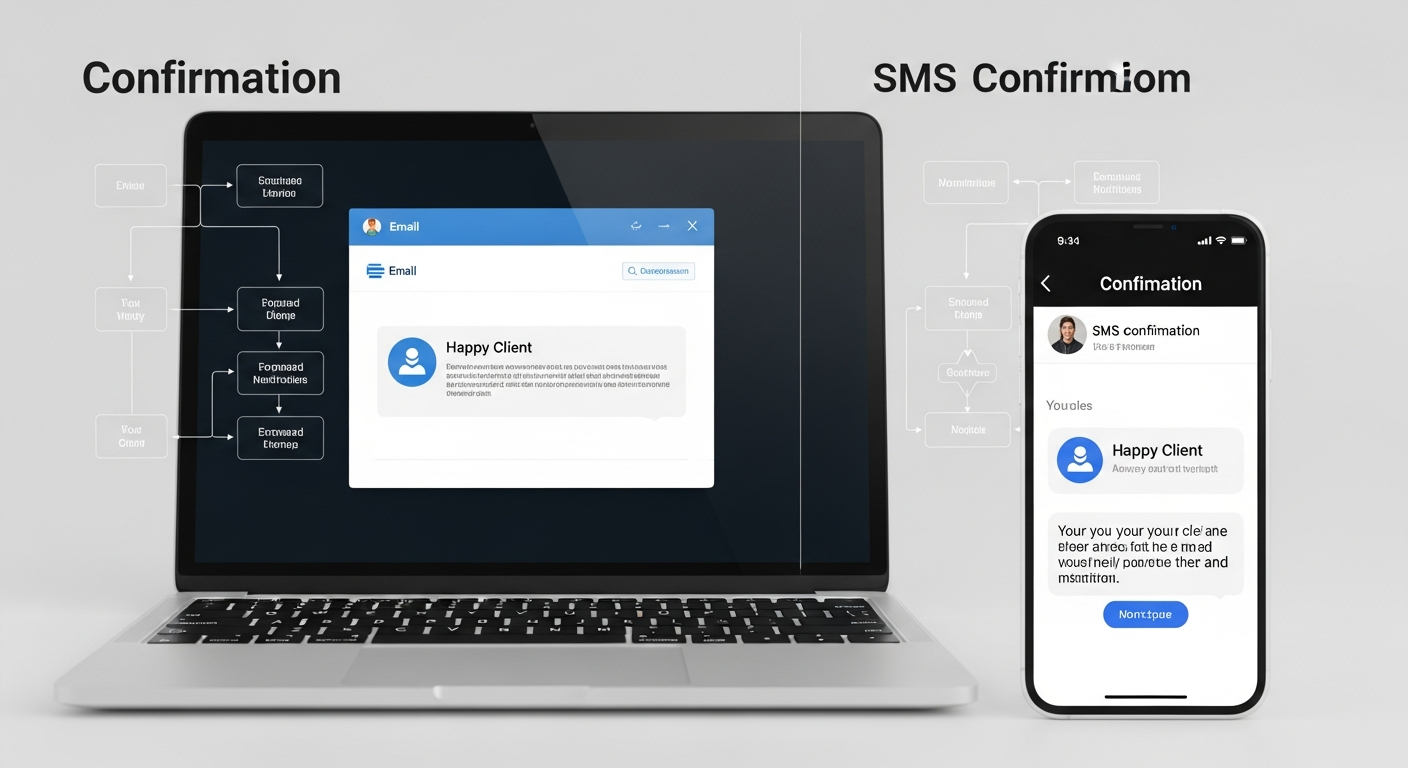
The moment a client books an appointment, they have a spike of uncertainty: Did it go through? Do I have the right address? What should I bring? What's the cancellation policy?
If those questions go unanswered in the first few minutes after booking, anxiety sets in. Clients start second-guessing. Some cancel "just in case." Others show up confused, late, or unprepared.
An automatic booking confirmation email answers all of those questions instantly — without you writing a single message.
What a Great Booking Confirmation Contains
A high-quality automatic confirmation should include:
1. Confirmation that the booking was received — "Your appointment is confirmed." 2. Service name, date, time, and duration — clearly formatted, easy to screenshot. 3. Business name and location — with a Google Maps link if you're location-based. 4. Prep instructions — "Please arrive 5 minutes early" or "Wear comfortable clothing." 5. Payment receipt — if payment was collected at booking, confirm the amount charged. 6. Cancellation/rescheduling link — let clients self-serve rather than calling you. 7. Contact information — if they have questions they can't resolve through self-service.
How MyBokr Handles Confirmations
Every booking made through MyBokr (mybokr.com) triggers an automatic confirmation email to the client within seconds. The confirmation includes all booking details, the payment receipt, and a professional presentation that reflects well on your business — even if you're a solo operator working from your car.
You configure your confirmation message once: add your prep instructions, your address, your contact email. From that point forward, every booking generates the same professional, complete confirmation automatically.
The Business Impact of Good Confirmations
Beyond the obvious convenience, well-crafted booking confirmations measurably improve business outcomes:
— Clients who receive detailed confirmations are 35% less likely to no-show (they've "registered" the appointment in their minds more clearly) — Preparation instructions reduce last-minute communication by 60% (clients arrive ready, not confused) — A professional confirmation builds trust before the appointment begins — clients perceive businesses with polished communications as more competent
Pro Tip: Include a line in your confirmation that encourages clients to add the appointment to their calendar: "Add to Google Calendar" or "Add to Apple Calendar." This simple addition dramatically improves show rates because the appointment lives somewhere the client actually checks.
Automate Your Client Communications
Set up your booking page at mybokr.com and let the platform handle every confirmation automatically. Your clients get a professional experience, and you never write another booking confirmation email.