How to Manage Multiple Services From One Booking System (Without the Chaos)
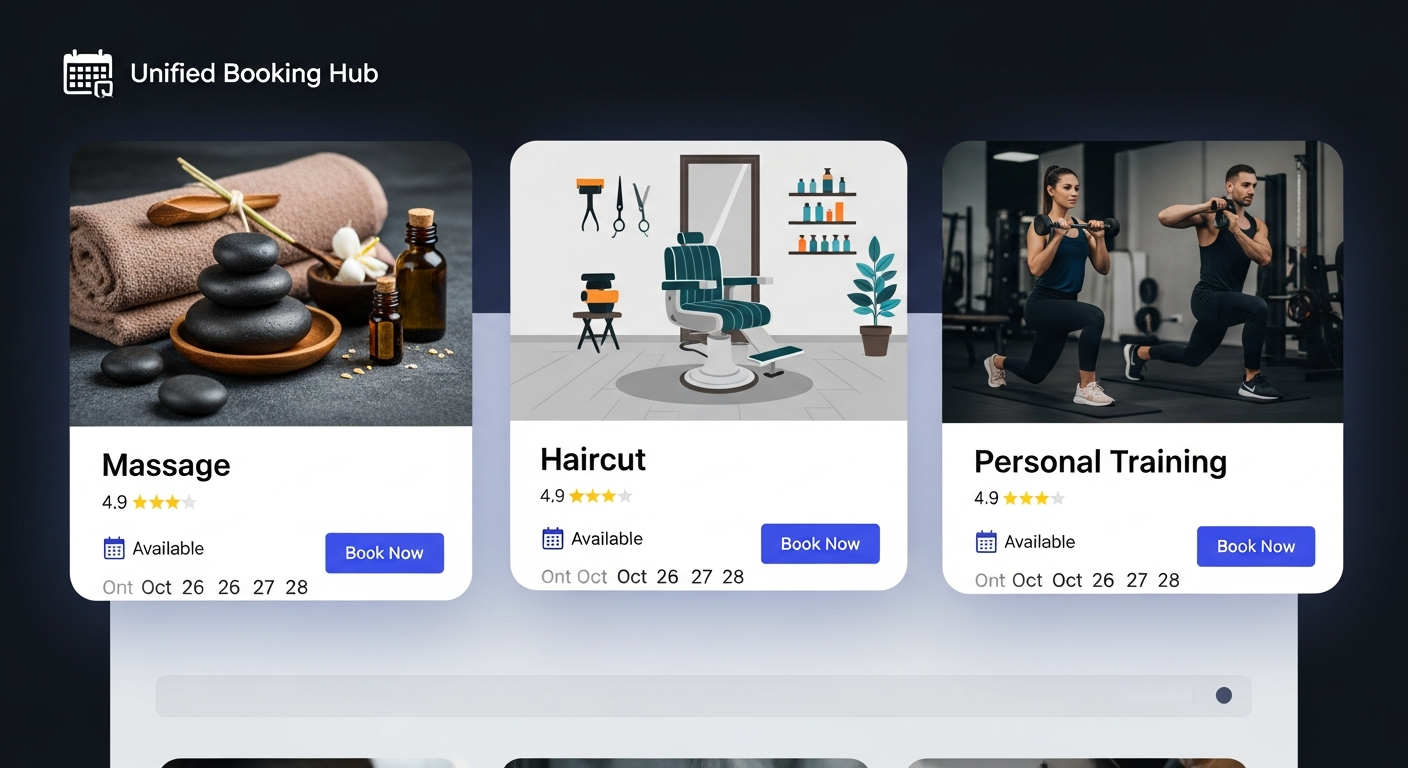
As service businesses grow, they add services. A personal trainer adds nutrition coaching. A massage therapist adds cupping and hot stone. A cleaning company adds move-out deep cleans. Each addition represents revenue growth — and scheduling complexity.
Many businesses respond to this complexity by adding separate booking flows for each service type: one tool for quick bookings, another for consultations, a third for group services. The result is a fragmented client experience and a management nightmare.
A single, unified booking system that handles every service you offer is the answer.
What Multi-Service Booking Needs to Do
Different pricing per service — a 30-minute consultation and a 90-minute deep treatment have different prices. Your system must handle both without manual adjustment.
Different durations per service — and different buffer times. A quick service followed by an intensive service should block the right amount of time for each.
Different availability per service — you might offer consultations only on Tuesday afternoons, but full sessions any weekday. Service-level availability lets you control when each type of booking can happen.
Different deposit requirements — some services warrant a deposit; others don't. Configure this per service.
How MyBokr Handles Multi-Service Businesses
MyBokr (mybokr.com) was built for exactly this use case. In your service settings, you create each service as a separate listing with its own: — Name and description — Duration and buffer time — Price and deposit requirement — Available hours and days — Service-specific booking instructions
Clients see your full service menu on one clean page, pick the service they want, and proceed through a checkout calibrated to that specific service. You manage everything from one dashboard.
Pro Tip: Organize your services in order of popularity or revenue, not alphabetically. Most clients pick from the top of the list. Put your highest-value or most popular service first.
Common Pitfall: Don't create duplicate or near-duplicate service listings. If you have "Swedish Massage" and "Relaxation Massage" that are essentially the same service, consolidate them. Confusion in your service menu converts to abandoned bookings.
Unify Your Service Business
Manage your entire service menu from one clean booking system at mybokr.com. Every service, every client, every payment — one place.