How to Get Clients to Book Directly From Your Instagram Profile
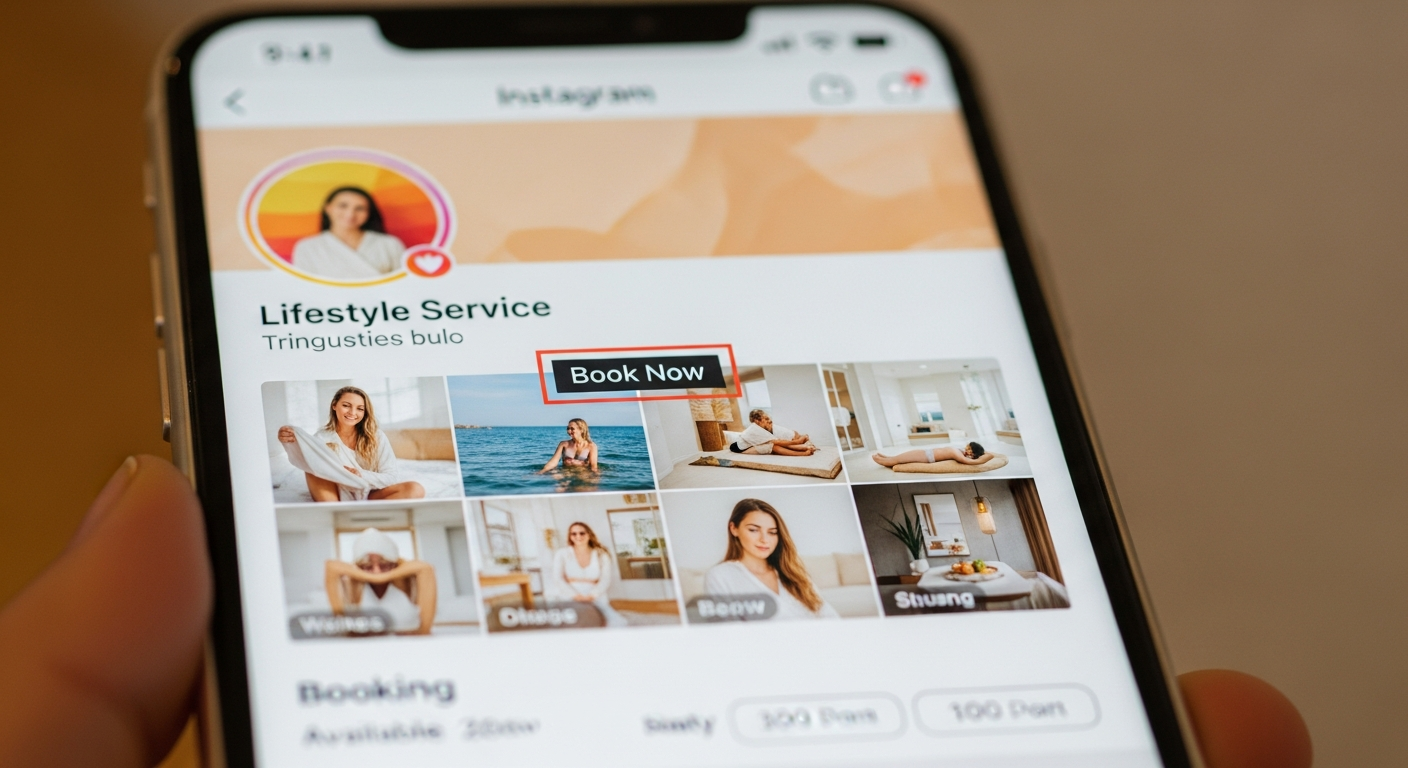
Instagram is the #1 discovery channel for most service businesses — salons, trainers, photographers, massage therapists, makeup artists, lash techs. People scroll, they see your work, they think "I want that."
The question is: what happens next? If the path from "I want that" to "appointment booked" requires a DM, a response, a back-and-forth, and a manual link — you're losing most of the people who were interested at 9pm on a Wednesday.
Here's how to shorten that path to a single tap.
Step 1: Add Your Booking Link to Your Bio
Your Instagram bio gets one clickable link. That link should go to your booking page — not your website homepage, not a link aggregator with 12 options, and not your Linktree unless the very first option is your booking link.
Your bio copy should make the CTA obvious: "Book your appointment 👇" or "New clients: use link below to schedule."
Step 2: Use the Instagram Action Button
Instagram Business accounts can add a "Book" action button that appears directly on your profile page, below your bio. This button links to an external booking URL — your MyBokr page at mybokr.com/book/your-business-name.
To add it: go to Edit Profile → Contact Options → Add an Action Button → select "Book Now" → enter your booking URL.
This is separate from and in addition to your bio link. More entry points = more bookings.
Step 3: Reference Your Booking Link in Every Relevant Post
Every before/after photo, every "results" post, every promotional post should end with: "Link in bio to book." or "Book through the link in my bio."
Clients who are looking at your work and thinking about booking need to be told what to do next. Give them the instruction every time.
Step 4: Use Instagram Stories With a Link Sticker
Instagram Stories allow you to add a link sticker directly to the story image or video. Post a clip of your work, add a "Book Now" link sticker that goes to your booking page. This is the most direct path from content to booking on the platform.
Pro Tip: Create a permanent Instagram Highlight called "How to Book" or "Book With Me" that explains your services, prices, and how to book. New profile visitors often check Highlights before deciding to follow or book.
Turn Followers Into Booked Clients
Get your public booking page at mybokr.com and add the link to your Instagram bio today. Every post becomes a potential booking.