How to Create a Public Booking Page for Your Service Business (That Actually Gets Bookings)
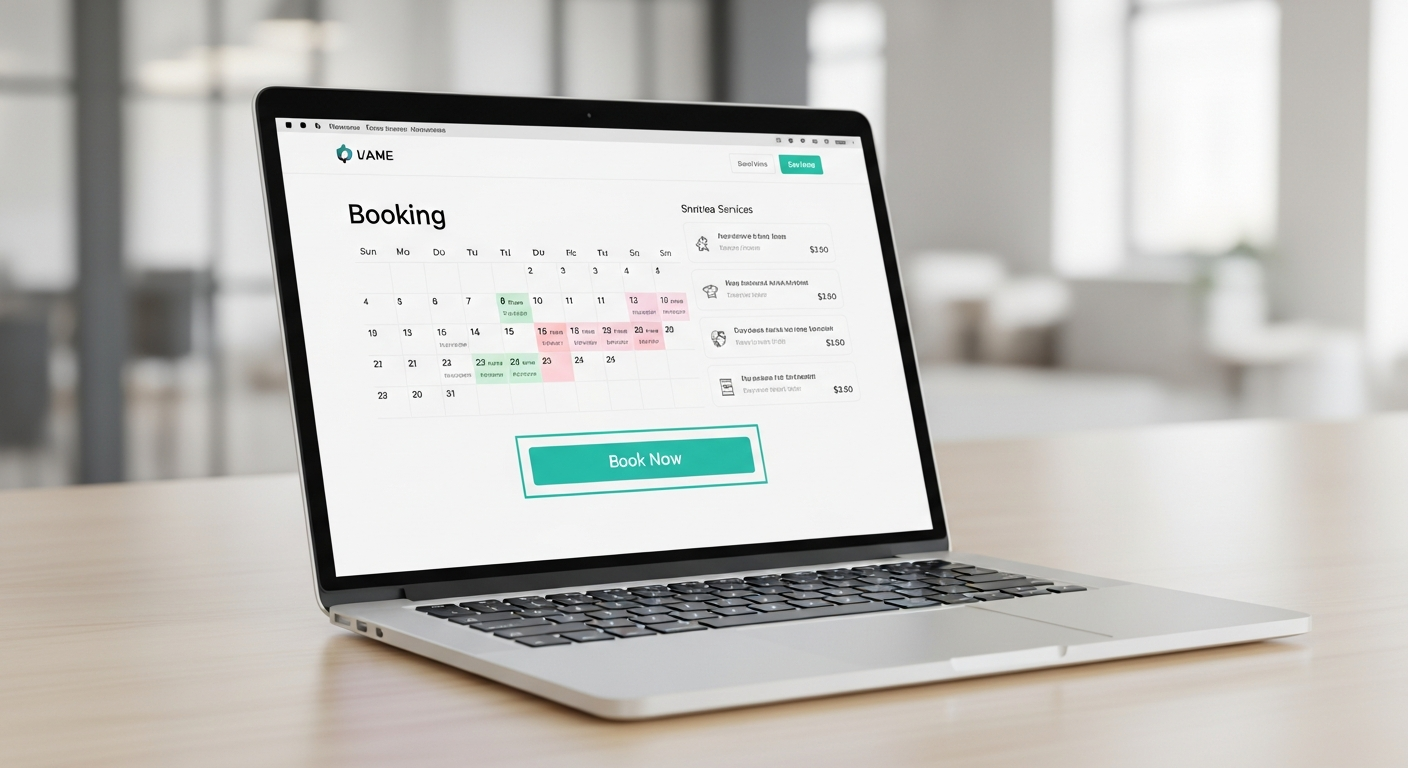
A public booking page is your 24/7 salesperson. It works while you sleep, while you're in sessions, and while you're on vacation. But most booking pages are created in 20 minutes and never thought about again — and it shows in the conversion rates.
Here's how to build a booking page that actually converts visitors into confirmed, paid appointments.
The Anatomy of a High-Converting Booking Page
Your Business Name and Photo: Clients are trusting you with their time and money. A clear business name, a professional photo, and a short bio build the trust that converts browsers into bookers.
Clear Service Descriptions: Don't just list "Haircut — $45." Tell clients what they're getting: "Classic Haircut (30 min) — Includes consultation, cut, and style. $45." Specificity eliminates pre-booking questions and sets accurate expectations.
Accurate Pricing: Display prices clearly. Clients who have to ask about pricing are likely to drop off. Transparent pricing converts faster and attracts clients who are ready to commit.
Real-Time Availability: Your calendar should show only genuinely available slots. Overly sparse availability signals low demand; overly packed availability creates stress. Show a clean, real-time calendar that updates as bookings come in.
A Simple Checkout: Fewer steps mean more completions. Name, email, date, time, payment — in that order. Any additional fields should only appear if absolutely necessary.
What to Put in Your Service Descriptions
For each service, write: 1. What happens during the service 2. How long it takes 3. Who it's best for 4. What to do to prepare 5. The price (or price range)
This level of detail eliminates pre-booking questions and makes your page feel like a professional business, not a casual side hustle.
Building Your Page on MyBokr
MyBokr (mybokr.com) gives you a public booking page at mybokr.com/book/your-business-name. You add your services, set your availability, connect Stripe for payment, and your page is live. The interface is designed to convert — clean, mobile-optimized, and built specifically for service businesses.
Pro Tip: Add your booking page URL to your Google Business Profile as your "Appointment URL." Google adds a direct "Book" button to your search and maps listing, sending traffic from people actively searching for your services straight to your booking page.
Get Your Page Live Today
Set up your public booking page in under 30 minutes at mybokr.com. Every hour you delay is an hour your calendar page could be working for you.