How to Add a 'Book Now' Button to Your Google Business Profile (And Why It Matters)
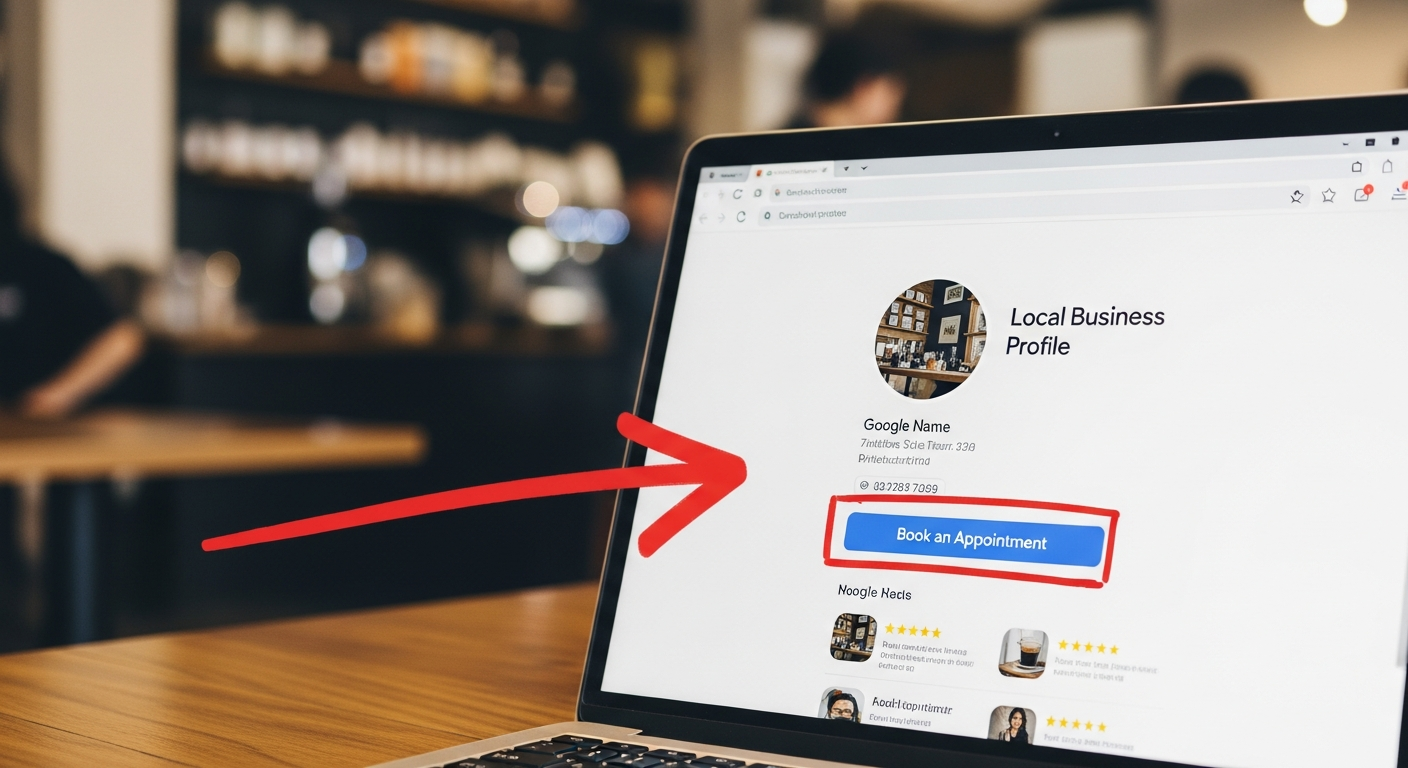
Every month, billions of people use Google Maps and Google Search to find local service businesses. If your Google Business Profile doesn't have a 'Book Now' button, you're sending that traffic to your website homepage — where most of it bounces — instead of directly to your booking page, where it converts.
Adding a booking link to your Google Business Profile takes less than 5 minutes and can meaningfully increase your monthly bookings from people who are actively searching for what you offer.
How the 'Book Now' Button Works
When you add an appointment URL to your Google Business Profile, Google may display a "Book" or "Schedule" button directly on your search listing and Google Maps card. When a potential client sees your business in search results and clicks that button, they land directly on your booking page — ready to commit.
This is one of the highest-intent traffic sources available to local service businesses. Someone who clicked "Book" from Google Maps is not casually browsing — they're actively ready to schedule.
How to Add Your Booking URL to Google Business Profile
Step 1: Go to business.google.com and sign in to your Google account. Step 2: Select your business profile. Step 3: Click "Edit Profile" and navigate to the "Contact" section. Step 4: Under "Appointment links" or "Booking," add your MyBokr booking URL (mybokr.com/book/your-business-name). Step 5: Save. Google will review and display the button, typically within 24–48 hours.
Other Google Business Profile Optimizations to Do While You're There
While you're updating your profile, make these improvements:
— Add 10+ high-quality photos of your business, work, and team — Write a detailed business description that includes your primary service keywords — Add your service list with accurate prices — Make sure your hours are current and correct — Respond to every existing review (Google rewards active profiles)
Pro Tip: Post to your Google Business Profile at least once per week — a photo, a tip, or a promotion. Regular posting signals to Google that your business is active, which improves your local search ranking.
Common Pitfall: Don't send Google Business traffic to your website homepage. Always link directly to your booking page. The fewer clicks between intent and commitment, the higher your conversion rate.
Get Your Booking Button Live
Get your public booking page at mybokr.com/book/your-business-name, then add it to your Google Business Profile today. Start capturing the intent traffic that's already searching for you.