Booking Software With Stripe Payments: Which Platforms Let You Use Your Own Stripe Account?
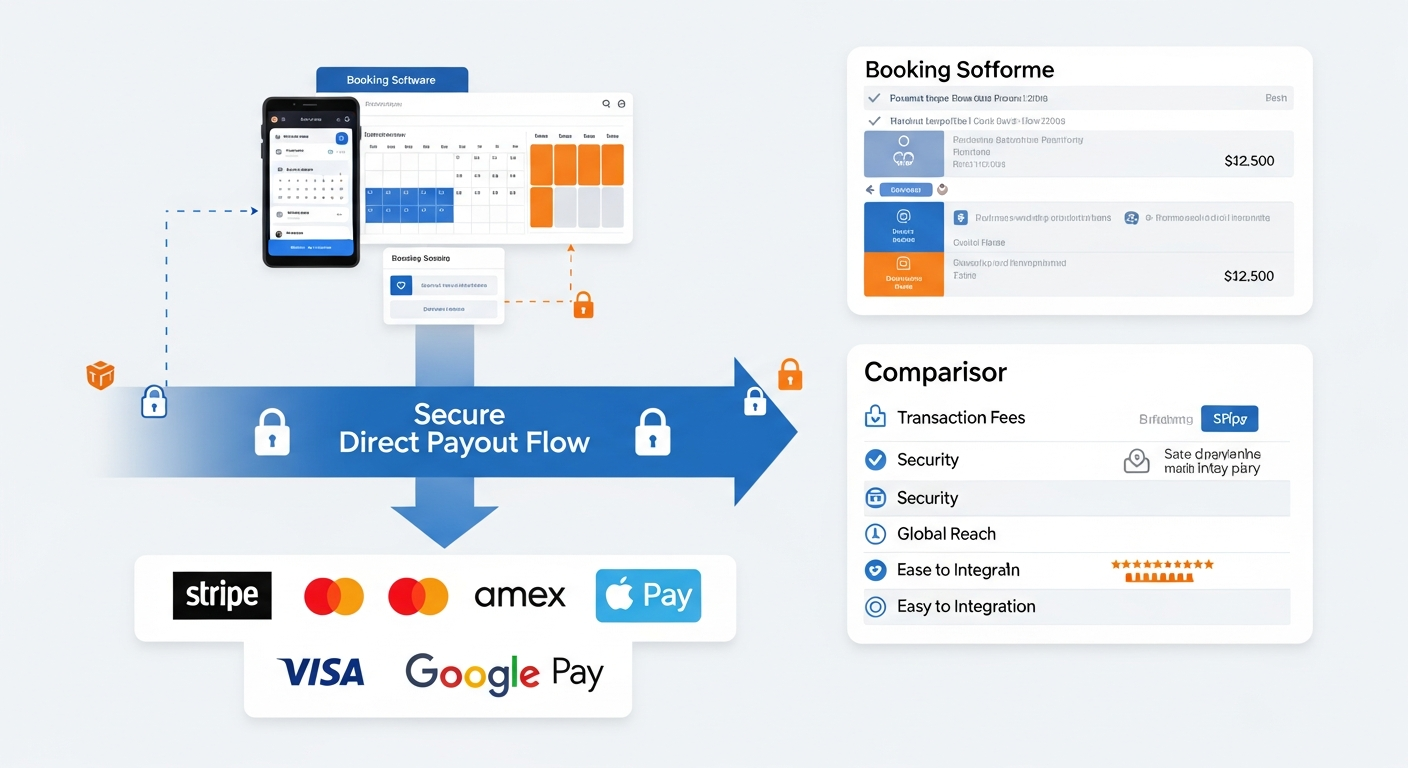
When a booking platform says it "integrates with Stripe," that phrase can mean very different things depending on the platform's architecture. Understanding the difference matters for how quickly you get paid, who controls your refunds, and what happens to your payment history if you switch platforms.
Three Ways Booking Platforms Handle Stripe
Model 1: Platform-Mediated Stripe (Most Common) The platform uses Stripe behind the scenes but processes payments through their own merchant account. Your money flows: client → platform's Stripe → platform holds → platform pays you (minus fees). Examples include many older booking platforms and marketplace-based tools.
Implication: The platform holds your funds temporarily. Payout timing is controlled by the platform. Disputes go through the platform. If the platform has financial issues, your funds can be affected.
Model 2: Stripe Connect — Platform as Facilitator The platform uses Stripe Connect to connect your own Stripe account. Money flows: client → your Stripe account directly. The platform facilitates the payment but doesn't touch the funds. This is the architecture used by major platforms that take the "you own your money" approach.
Implication: Funds are in your Stripe account instantly (or within Stripe's normal settlement time). You control payouts. You manage disputes in your own Stripe dashboard. Your payment history is portable — it lives in your Stripe account, not just the booking platform.
Model 3: Stripe as One of Several Processors The platform supports multiple payment processors (Stripe, Square, PayPal) but doesn't give you direct account access — all are run through the platform's own processing infrastructure.
Which Platforms Use Stripe Connect?
MyBokr (mybokr.com): Stripe Connect. Your account. Direct deposits. Full control.
Calendly: Stripe integration available on paid plans, but payment flows through Calendly's system rather than directly to your Stripe account on most configurations.
Acuity/Squarespace: Stripe integration available but the architecture varies by plan and setup.
Vagaro: Uses proprietary Vagaro Pay processing — Stripe is not available.
Square Appointments: Uses Square processing only — no Stripe option.
Why Stripe Connect Specifically Matters
For service businesses: 1. Your payment history is yours — importable to any other platform or bookkeeping tool 2. Payout timing is controlled by you through Stripe's dashboard 3. Client card data and dispute history live in your account 4. You can use Stripe for other revenue streams (subscriptions, invoices, e-commerce) and see all revenue in one place 5. Apple Pay and Google Pay work natively — dramatically improving mobile booking completion rates
Read more: mybokr.com/blog/stripe-payment-integration-small-business-booking Read more: mybokr.com/blog/how-to-collect-payment-when-clients-book-online
Choose Direct Payment Control
MyBokr's Stripe Connect integration means your revenue is always yours — no platform intermediary, no delayed payout, no dependency on a third party's financial health. Get set up at mybokr.com.