Automated Appointment Reminders: The Easiest Way to Cut No-Shows by 60%
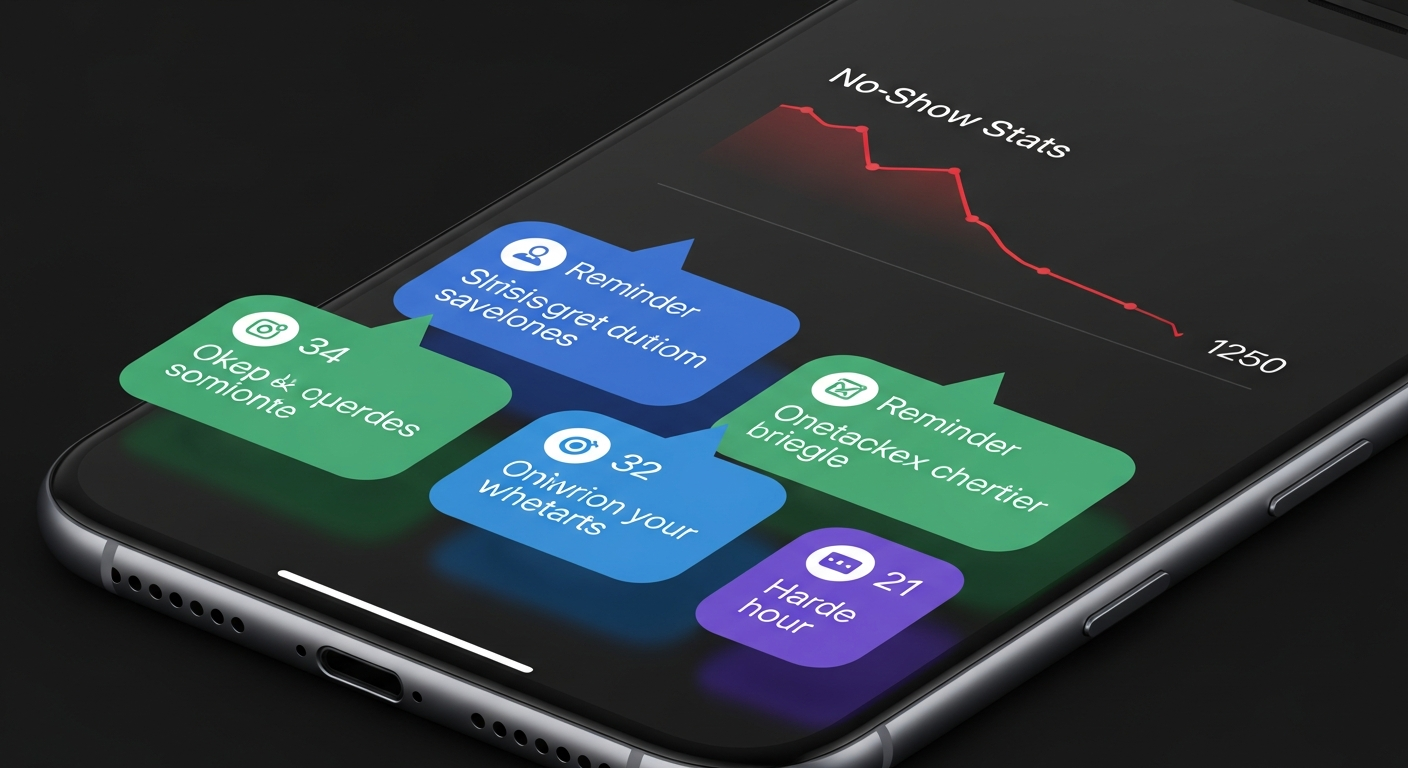
The majority of appointment no-shows aren't intentional. Clients book two weeks out with the best intentions, life gets chaotic, and the appointment falls off their radar. They're not bad clients — they're just human.
This is exactly the problem automated appointment reminders solve. A well-timed reminder at 48 hours and 2 hours before an appointment recovers a significant share of would-be no-shows before the slot is wasted.
According to data from booking platforms across the service industry, businesses using automated reminders see no-show rate reductions of 40–70%. For a business doing $6,000/month in revenue with a 15% no-show rate, that's $900/month of recovered revenue — from a feature that takes five minutes to configure.
The Optimal Reminder Cadence
Not all reminder timing is equally effective. Here's what the data shows works best:
48-hour reminder (email): Gives clients enough time to reschedule if something has come up — reducing last-minute cancellations as well as no-shows. Include the service name, date, time, location, and a link to reschedule if needed.
24-hour reminder (SMS): Text messages have a 98% open rate (vs. ~20% for email). This is your highest-impact touchpoint. Keep it short: "Reminder: your [service] with [business] is tomorrow at [time]. Reply HELP to reschedule."
2-hour reminder (SMS): For same-day appointments or clients in time zones where earlier reminders arrived at inconvenient hours. This is a safety net.
How MyBokr Automates This
MyBokr (mybokr.com) sends automated email confirmations the moment a booking is made and reminder messages before each appointment. You configure the timing once in your account settings — the system does the rest for every booking, forever.
You never manually remind a client again. The appointment page on mybokr.com also lets clients self-reschedule within your cancellation window, which converts potential no-shows into rescheduled bookings rather than lost revenue.
FAQ: Do Clients Find Reminders Annoying?
Rarely. When reminders include genuinely useful information — the appointment time, location, and a reschedule option — clients appreciate them. The occasional client who finds reminders excessive can easily unsubscribe from email communications, but the vast majority engage positively.
Pro Tip: Personalize your reminder messages with the client's first name and the specific service they've booked. "Hi Sarah, your 60-minute deep tissue massage is tomorrow at 2pm" outperforms generic reminders and reinforces the personal relationship that keeps clients coming back.
Activate Your Reminder System
Set up automated reminders for your service business at mybokr.com. It takes five minutes to configure and immediately starts protecting your revenue from unnecessary no-shows.