Appointment Reminder Texts vs. Emails: Which One Gets Clients to Show Up?
If you've wondered whether to remind clients by text or email, you're asking the right question — and the answer matters more than most business owners realize.
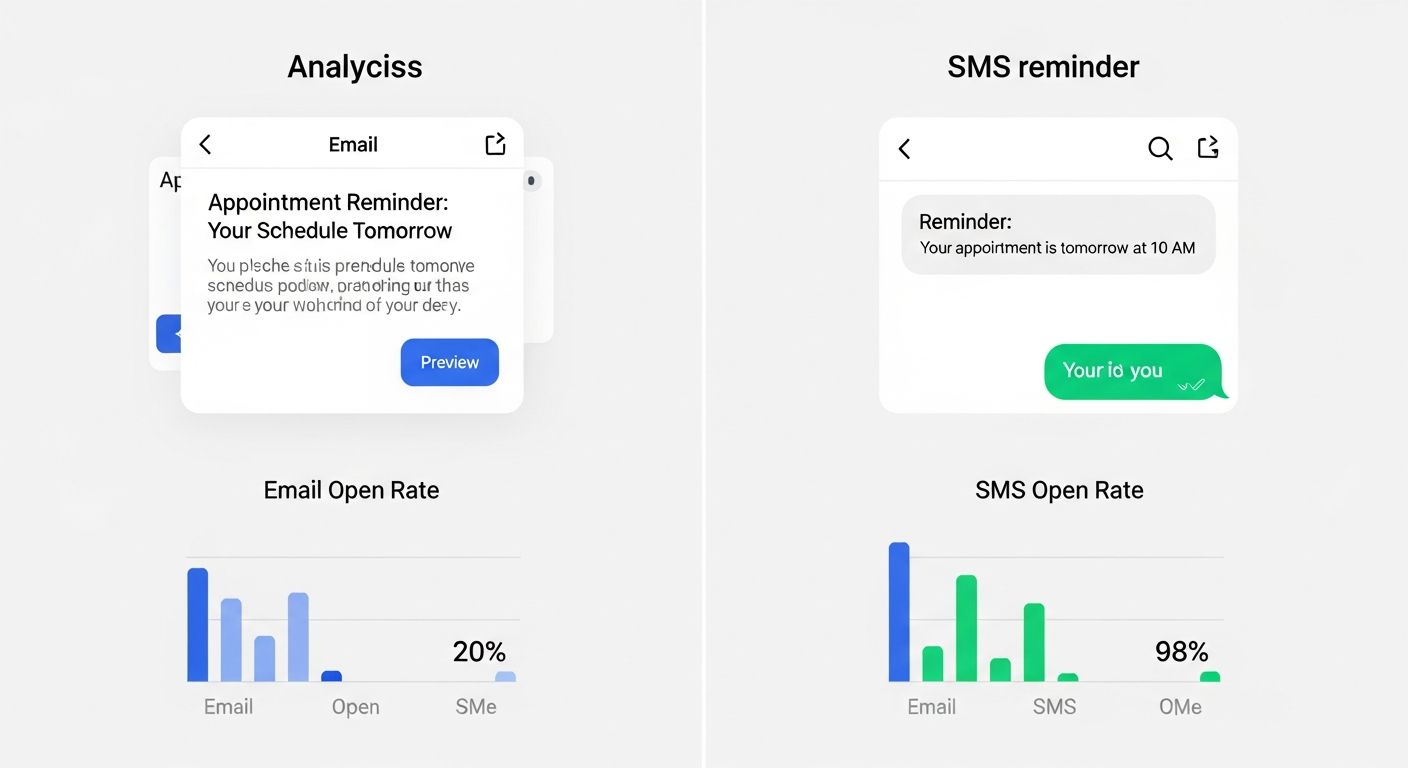
The statistics are stark: SMS messages have a 98% open rate and are typically read within 3 minutes of receipt. Email open rates in the service industry average around 20%, with messages often sitting unread for hours. On pure engagement metrics, text wins by a landslide.
But the right answer for your reminder strategy isn't text-only. It's a combination, deployed at the right moments in the right format.
The Case for Email Reminders
Email reminders have real advantages that text messages don't:
More space for detail — a confirmation email can include your full address, prep instructions, a Google Maps link, a reschedule button, and your cancellation policy. All of this would be overwhelming in a text message.
Easier to archive — clients can search for the confirmation in their inbox when they need the address or time.
Better for the initial confirmation — the booking confirmation that fires immediately after scheduling should almost always be an email, because clients expect to check their email for booking receipts.
Better for longer lead times — a reminder sent 48–72 hours in advance makes more sense as an email, which clients read during scheduled inbox time.
The Case for SMS Reminders
Text messages win on immediacy and response rate:
Higher open rates — nearly universal. A text sent 24 hours before an appointment will almost certainly be seen.
Faster action — if a client needs to reschedule, a text with a reschedule link triggers immediate action. An email might sit until they're back at a computer.
Better for short lead times — a reminder 2–4 hours before an appointment should always be a text. It's time-sensitive information that needs to be seen now.
The Optimal Combined Strategy
For most service businesses, this cadence works best:
Immediately after booking: Email confirmation (full details, receipt, prep info) 48 hours before: Email reminder (service details, reschedule link) 24 hours before: SMS reminder (brief, friendly, includes reschedule link) 2 hours before (optional): SMS reminder for high no-show risk appointments
MyBokr (mybokr.com) automates both channels — email confirmations and reminders are sent automatically for every booking, so clients get the right message through the right channel at the right time, without you managing any of it.
Pro Tip: Make sure your reminder messages are genuinely easy to act on. Include a reschedule link in every reminder. Clients who can reschedule themselves do so instead of simply not showing up.
Set Up Multi-Channel Reminders
MyBokr handles your entire client communication sequence — confirmations, reminders, and follow-ups — automatically for every booking. Start your free setup at mybokr.com.